The 'Not Ideal For' Section: Why Your Product Page Needs One
Adding a 'Not Ideal For' section seems counterintuitive, but it's one of the most effective ways to get AI recommendations and increase conversions.
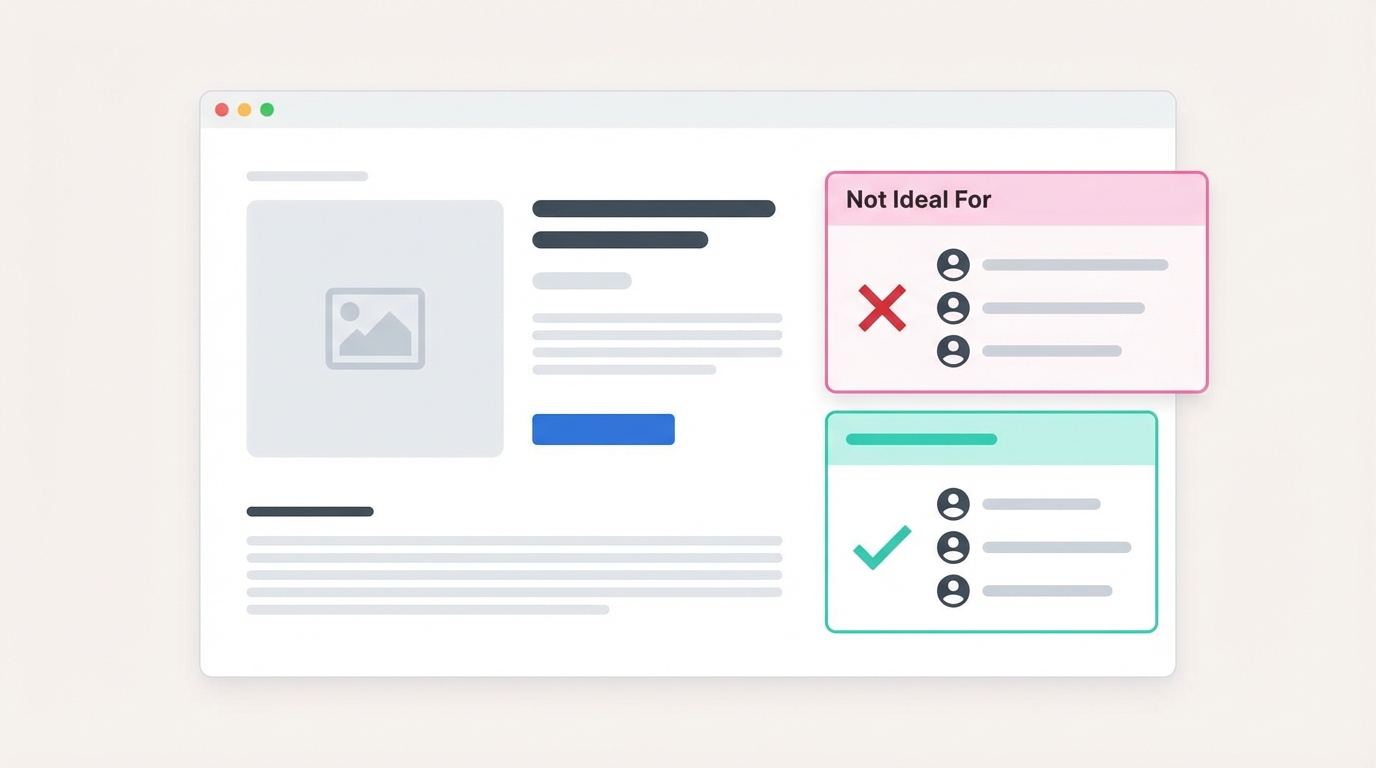
TL;DR: Adding a "Not Ideal For" section to your product pages increases AI recommendations and conversion rates. When AI knows who your product ISN'T for, it can confidently recommend it to everyone else.
The Counterintuitive Truth About Exclusions
Every instinct says: don't tell customers NOT to buy.
But here's what actually happens when you add exclusions to your product page:
-
AI recommends you more confidently. It knows who to exclude, so it can confidently recommend to everyone else.
-
Conversion rates increase. Wrong-fit customers self-select out. Right-fit customers feel confident buying.
-
Returns decrease. Fewer customers buy products wrong for their needs.
-
Trust increases. Honesty about limitations signals honesty about benefits.
Why AI Needs Exclusions
AI assistants are terrified of bad recommendations.
When someone asks "What's the best knife for a home cook?", AI needs to:
- Find products that match
- Avoid recommending products that would disappoint
If your product page only says positive things, AI can't assess risk. It doesn't know:
- Will this disappoint beginners?
- Does this require skills the user might not have?
- Are there situations where this fails?
So AI plays it safe—recommending competitors who clearly state their limitations.
The logic:
"Product A says it's great for everyone. Product B says it's best for intermediate cooks and not ideal for beginners. The user said they're new to cooking. I'll recommend Product B because I know it acknowledges skill levels. Product A might be fine for beginners, but I can't tell."
What to Include in a "Not Ideal For" Section
Use Case Mismatches
What scenarios does your product NOT handle well?
Examples:
- "Not ideal for commercial/high-volume use (designed for home kitchens)"
- "Not recommended for wet conditions (no water resistance)"
- "Not the best choice for travel (prioritizes performance over portability)"
User Type Exclusions
What types of buyers would be disappointed?
Examples:
- "Not for complete beginners (requires some baseline skill)"
- "Not recommended if you prioritize ease-of-use over performance"
- "May not suit those who prefer automatic settings over manual control"
Technical Limitations
What can't your product physically do?
Examples:
- "Cannot handle bones or frozen items (blade is designed for precision, not force)"
- "Not compatible with 220V power (110V only)"
- "Maximum capacity is 4 servings (not suited for large families)"
Maintenance Requirements
What ongoing commitment does ownership require?
Examples:
- "Not for those who want dishwasher-safe (hand wash only)"
- "Requires monthly calibration (not set-and-forget)"
- "Needs sharpening every 6 months (not maintenance-free)"
How to Write Effective Exclusions
Be Specific, Not Vague
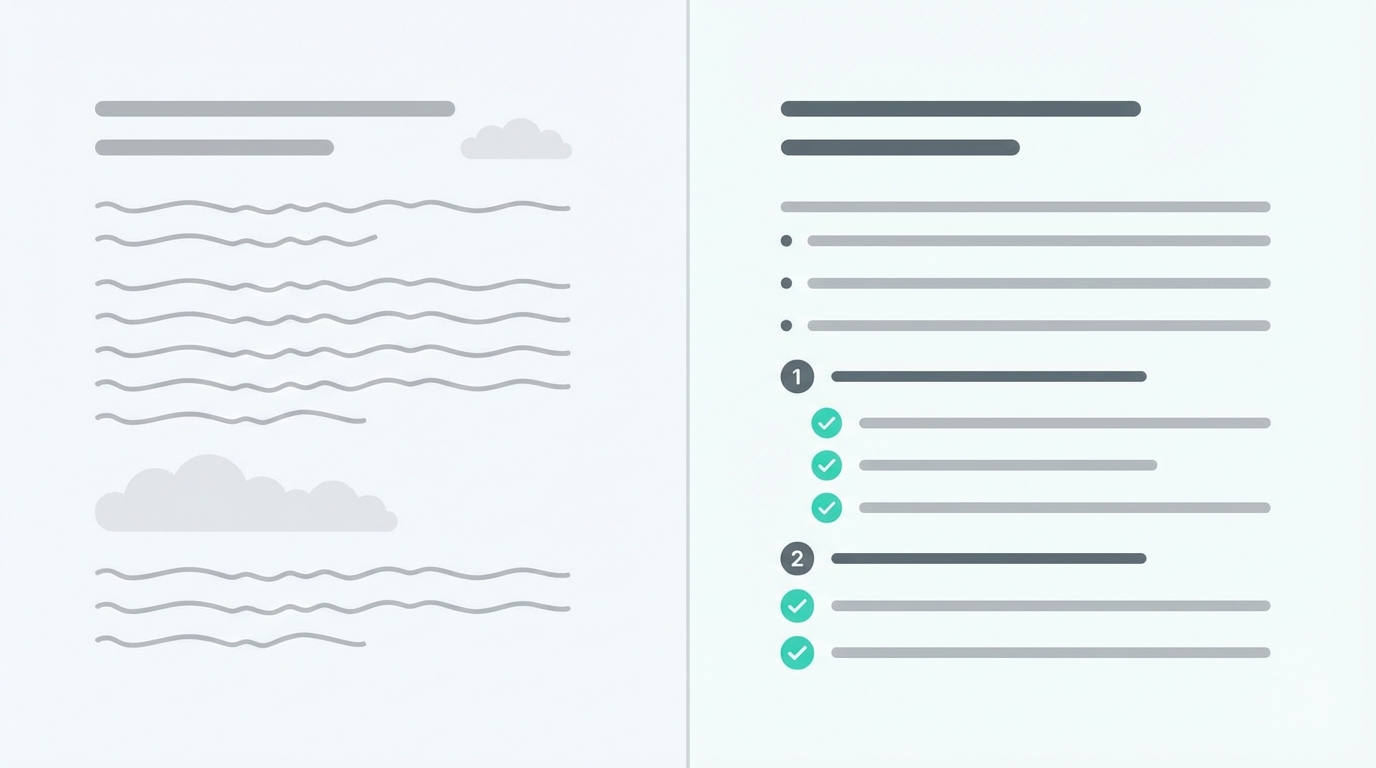
Bad: "Not for everyone" Good: "Not ideal for espresso brewing—the burrs can't achieve fine enough grind for proper espresso extraction"
Explain Why, Not Just What
Bad: "Not for beginners" Good: "Not for beginners—the thin blade requires proper knife technique to avoid injury and blade damage"
Be Honest, Not Defensive
Bad: "Some users with specific needs might want to consider alternatives" Good: "Not the best choice if you need to cut through bones—use a cleaver for that"
Position Alternatives When Helpful
Good: "Not ideal for espresso brewing. For espresso, consider our Model X or the Baratza Sette series."
"Not Ideal For" Templates by Category
Kitchen Products
## Not Ideal For

- Dishwasher users (hand wash only to preserve [feature])
- Those cooking for large groups (max capacity: X servings)
- Small kitchens with limited storage (dimensions: X x Y x Z)
- Beginners wanting preset programs (this is manual-focused)
Electronics
## Not Ideal For

- Users needing all-day battery (X hours typical use)
- Those in humid/wet environments (not water-resistant)
- Buyers on a strict budget (premium pricing)
- People who dislike regular updates (requires firmware updates)
Apparel
## Not Ideal For

- Hot weather use (this is a warm-weather piece)
- Those preferring loose fits (designed slim/tailored)
- Buyers needing easy care (dry clean recommended)
- Athletic use (prioritizes style over performance fabrics)
Home & Furniture
## Not Ideal For

- Renters unable to drill walls (wall-mount required)
- Those who move frequently (X lbs, difficult to relocate)
- Homes with small children (sharp edges, not childproofed)
- Buyers wanting low maintenance (wood requires periodic treatment)
Tools & Equipment
## Not Ideal For

- Professional/commercial daily use (designed for hobbyists)
- Absolute beginners (requires some baseline skill)
- Those without dedicated workspace (needs X sq ft minimum)
- Users prioritizing speed over precision (this favors accuracy)
Placement on Your Product Page
Where to Put It
Best placement: After your main description and "Best For" section, before specifications.
Product Description
↓
Best For (who should buy)
↓
Not Ideal For (who shouldn't buy)
↓
Specifications
↓
FAQ
Formatting Options
Option 1: Bulleted list (most common)
## Not Ideal For
- Bullet point one
- Bullet point two
- Bullet point three
Option 2: Two-column comparison
| ✓ Great For | ✗ Not Ideal For |
|-------------|-----------------|
| Home cooks | Professional chefs |
| Precision cuts | Heavy chopping |
| Vegetables | Bones and frozen items |
Option 3: Expanded explanations
## Who Should Consider Alternatives

**If you need dishwasher-safe:** This requires hand washing.
Consider our Model B for dishwasher compatibility.

**If you're a complete beginner:** The blade requires proper
technique. Our Model C is more forgiving for learning.
The Conversion Impact
Adding "Not Ideal For" sections typically improves metrics:
Higher conversion rate: Right-fit visitors buy more confidently. One study showed 14% higher conversion after adding exclusion sections.
Lower return rate: Wrong-fit customers don't buy in the first place. Returns for "not what I expected" decrease.
Better reviews: Customers who buy are more likely to be satisfied, leading to better review scores.
Increased trust: Visitors perceive the page as honest, making them trust the positive claims too.
Common Concerns (And Why They're Wrong)
"Won't this scare away customers?"
Only wrong-fit customers. Right-fit customers actually feel MORE confident. The customers you "lose" would have returned the product anyway.
"My competitors don't do this"
Exactly. You'll stand out as more trustworthy. And AI will recommend you over them.
"I don't want to highlight negatives"
You're not highlighting negatives—you're being specific about fit. There's a difference between "this product is bad" and "this product is designed for X, not Y."
"What if I lose sales?"
You'll lose some sales to wrong-fit customers. You'll gain more sales from:
- AI recommendations
- Higher conversion among right-fit visitors
- Fewer returns
- Better reviews attracting more buyers
Quick Implementation
Step 1: List Who Shouldn't Buy
For each product, list 3-5 types of customers who would be disappointed.
Step 2: Explain Why
For each exclusion, add a brief explanation (even just a few words).
Step 3: Add to Page
Place after "Best For" section, formatted clearly.
Step 4: Test with AI
Ask ChatGPT/Perplexity about your product category. See if recommendations change.
Related reading: why AI assistants skip your products · 10 questions every product page must answer · constraint coverage
FAQ
How many exclusions should I list?
3-5 is ideal. Enough to be useful, not so many it seems like the product has problems.
Should I mention competitor products as alternatives?
Optional but helpful. It shows confidence and helps the customer find the right solution.
What if my product really is for everyone?
It's probably not. Every product has ideal and less-ideal use cases. Think harder about specific scenarios.
Will this hurt my SEO?
No. It adds relevant content and improves user engagement metrics, which can help SEO.
Should I add this to all products?
Yes. Every product has use cases where it's not the best choice.
This is one of 23 checks in our Product Page SEO Checklist for 2026.
Want to see how your product pages score for AI readiness? Scan your page free →
Ready to optimize your product pages?
Scan your listings for SEO and AI readiness issues in 30 seconds.
Run Free Scan