WebMCP for Shopify: What Store Owners Need to Know
WebMCP is Google's new protocol for AI agents. Here's what Shopify store owners need to know about WebMCP, when to expect support, and how to prepare now.
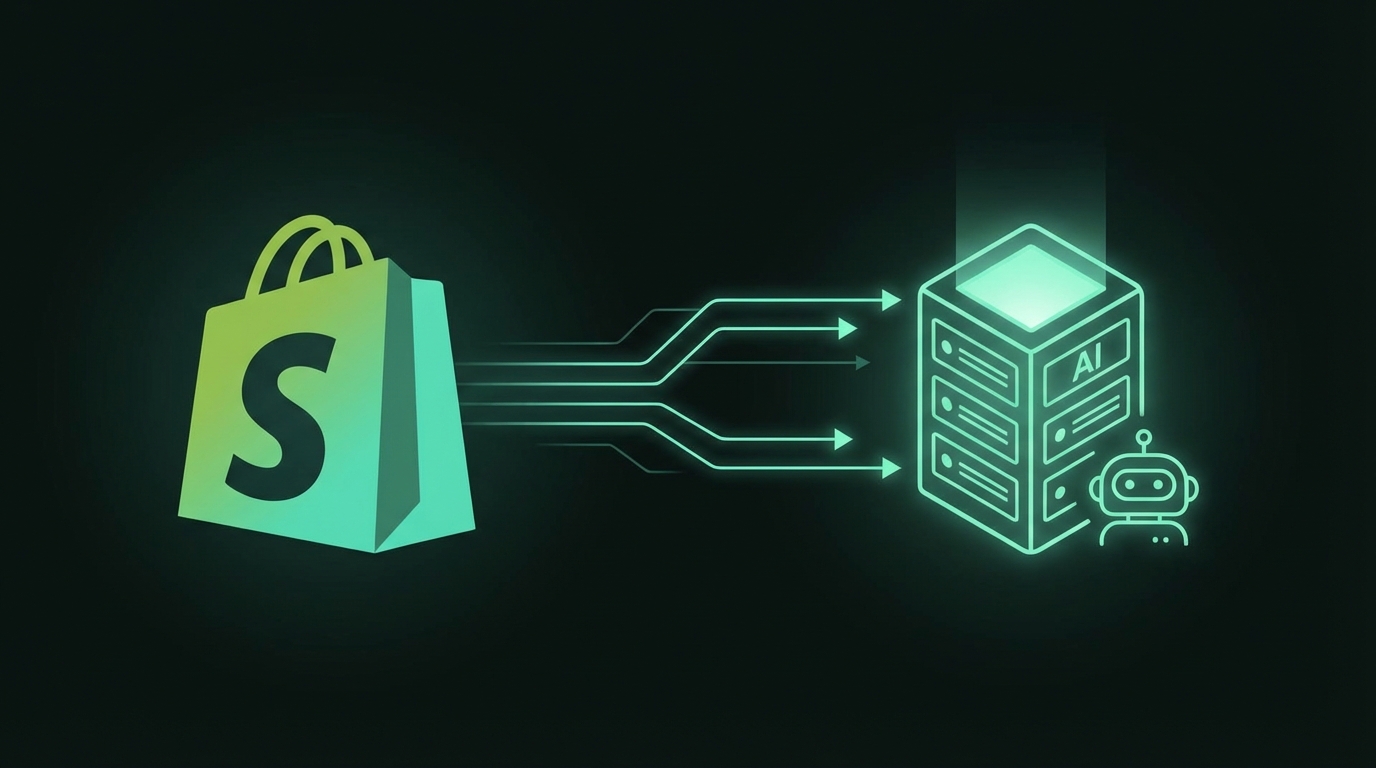
TL;DR: WebMCP is a new protocol that lets AI agents interact with websites directly. Shopify doesn't support it natively yet, but you can prepare now by optimizing your schema and content. Here's your complete guide.
What is WebMCP?
WebMCP (Web Model Context Protocol) is a new browser standard from Google and Microsoft that lets AI agents interact with websites through structured tools instead of clicking through interfaces.
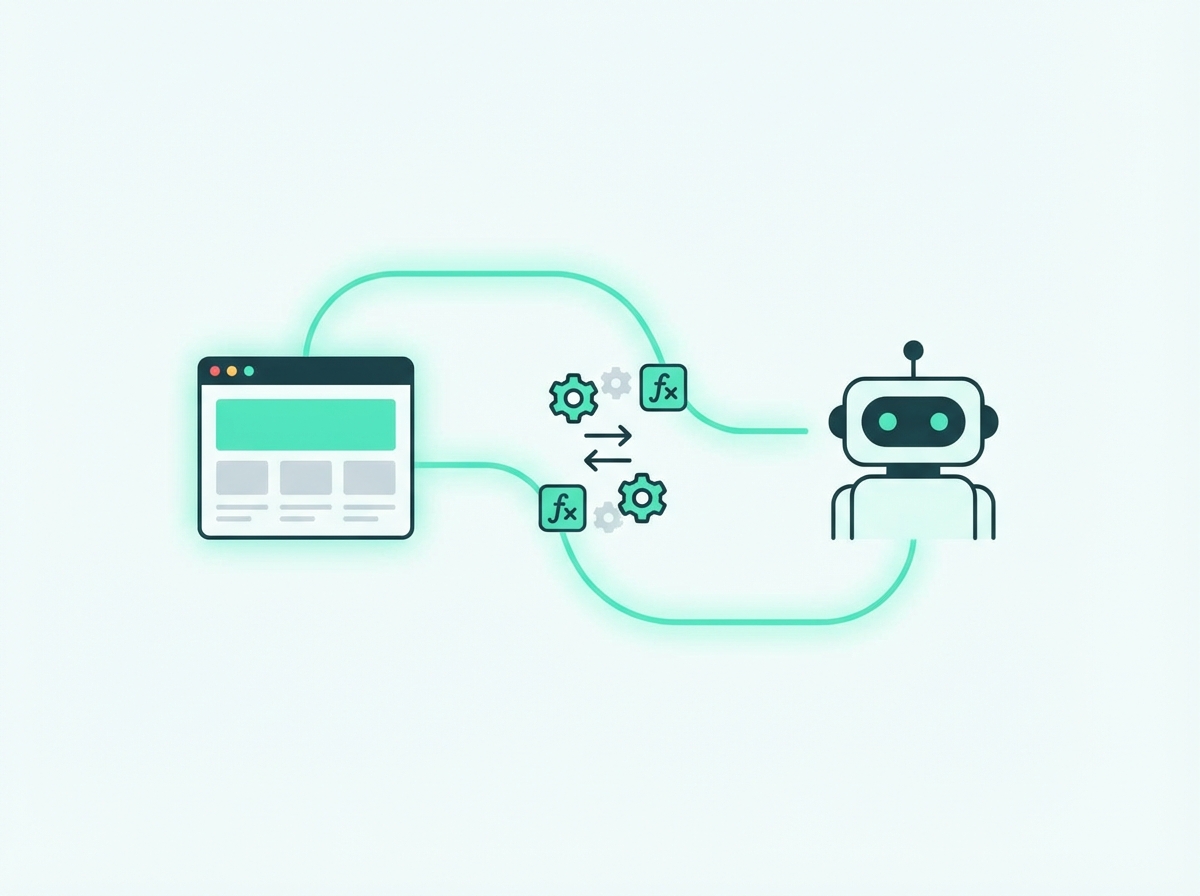
Think of it this way:
- Schema.org tells search engines what your products ARE
- WebMCP tells AI agents what they can DO on your site
With WebMCP, an AI shopping assistant could:
- Search your product catalog with precise filters
- Add items to a customer's cart
- Initiate checkout flows
- Check order status
All without fumbling through your UI—direct, structured function calls.
Does Shopify Support WebMCP?
Current status: No native support.
As of February 2026, Shopify has not announced WebMCP integration. This is expected—WebMCP only launched in Chrome Canary in early February 2026.
What this means for you:
- You can't implement WebMCP through standard Shopify features
- Custom JavaScript injection could theoretically work, but isn't recommended yet
- Wait for Shopify to add native support
Expected timeline: Shopify typically moves fast on discovery and SEO features. We'd expect announcements within 6-12 months, but this is speculation.
Why WebMCP Will Matter for Shopify Stores
When WebMCP becomes mainstream, the impact will be significant:
AI Shopping Agents Will Prefer WebMCP Sites
AI agents will favor sites they can interact with programmatically. If your competitor has WebMCP and you don't, agents may recommend them because the shopping experience is smoother.
Direct-to-Purchase Flows
Instead of AI recommending your product and hoping users navigate to checkout, agents could complete the entire purchase flow on the user's behalf—reducing friction and abandoned carts.
Better Product Matching
WebMCP tools can expose your full product catalog with precise filtering. AI can match users to exactly the right product variant, size, or configuration.
Competitive Advantage (Early)
The first Shopify stores to implement WebMCP will have an advantage while others wait. Early movers in previous standards (mobile-friendly, Schema markup) benefited significantly.
What Shopify Store Owners Should Do Now
You can't implement WebMCP yet, but you can prepare. Everything you do now will make WebMCP implementation smoother later—and helps with current AI discovery.
1. Perfect Your Product Schema
WebMCP and Schema.org work together. AI agents will use both. Complete Product schema is essential.
Required fields:
{
  "@type": "Product",
  "name": "Product Name",
  "description": "Clear, complete description",
  "image": "high-quality-image.jpg",
  "brand": {
    "@type": "Brand",
    "name": "Your Brand"
  },
  "sku": "UNIQUE-SKU",
  "offers": {
    "@type": "Offer",
    "price": "99.99",
    "priceCurrency": "USD",
    "availability": "InStock",
    "url": "product-url"
  }
}
Shopify apps that help:
- JSON-LD for SEO
- Smart SEO
- Schema Plus for SEO
2. Structure Your Product Data
When WebMCP arrives, it will expose your product data through tools. Clean data now means smooth implementation later.
Audit your products for:
- Consistent naming conventions
- Complete attribute fields (size, color, material)
- Accurate inventory status
- Clear variant organization
- Proper category/collection taxonomy
3. Optimize Product Descriptions for AI
AI agents will use your product content to match user queries. The same optimization that helps current AI assistants will help future WebMCP agents.
Add to every product:
- "Best For" section (who should buy)
- "Not Ideal For" section (who shouldn't buy)
- Complete specifications
- FAQ section
- Comparison context
4. Document Your Business Logic
When you implement WebMCP, you'll need to expose certain business logic. Document these now:
Product search:
- What filters do you support?
- How do you sort results?
- What attributes are searchable?
Cart rules:
- Minimum order amounts?
- Bundle logic?
- Quantity limits?
Checkout requirements:
- What information do you need?
- What shipping options exist?
- What payment methods?
5. Set Up Structured Collections
WebMCP tools will likely map to your collection structure. Organize collections logically:
Good structure:
All Products
├── Category 1
│   ├── Subcategory 1A
│   └── Subcategory 1B
├── Category 2
└── Use-Case Collections
    ├── Best for Beginners
    └── Professional Grade
Why it matters: AI agents can use collection structure for filtered searches like "Show me beginner-friendly products in Category 1."
Shopify-Specific Preparation Checklist
Product Setup
- [ ] All products have complete descriptions
- [ ] All products have "Best For" content
- [ ] All products have specifications listed
- [ ] All variants are properly configured
- [ ] All images have descriptive alt text
- [ ] SKUs are unique and meaningful
Schema Markup
- [ ] Product schema installed and validated
- [ ] Offer schema with correct pricing
- [ ] Availability status accurate
- [ ] Brand information included
- [ ] Review schema if you have reviews
Collections
- [ ] Logical category hierarchy
- [ ] Use-case based collections exist
- [ ] Collection descriptions are complete
- [ ] Products are properly tagged
Technical
- [ ] Site speed optimized
- [ ] Mobile experience smooth
- [ ] No JavaScript-rendering issues
- [ ] URL structure clean
- [ ] No duplicate content
What WebMCP on Shopify Might Look Like
This is speculative, but based on the WebMCP spec, here's what Shopify implementation might include:
Standard Tools Shopify Could Expose
// Product search tool
navigator.modelContext.registerTool({
  name: "searchProducts",
  description: "Search the store's product catalog",
  parameters: {
    query: { type: "string" },
    collection: { type: "string" },
    minPrice: { type: "number" },
    maxPrice: { type: "number" },
    inStock: { type: "boolean" }
  }
});

// Add to cart tool
navigator.modelContext.registerTool({
  name: "addToCart",
  description: "Add a product to the shopping cart",
  parameters: {
    variantId: { type: "string" },
    quantity: { type: "number" }
  }
});

// Checkout tool
navigator.modelContext.registerTool({
  name: "initiateCheckout",
  description: "Start the checkout process",
  parameters: {
    shippingMethod: { type: "string" }
  }
});
How It Would Work
- User tells AI: "Buy me that blue widget from StoreName, size medium"
- AI calls
searchProducts({ query: "blue widget", inStock: true }) - AI confirms the right product with user
- AI calls
addToCart({ variantId: "...", quantity: 1 }) - AI calls
initiateCheckout({ shippingMethod: "standard" }) - User completes payment (WebMCP doesn't handle payment credentials)
When to Expect Shopify WebMCP Support
Our estimate: 6-12 months from now (late 2026 to early 2027)
Factors that could speed this up:
- Google makes WebMCP a ranking factor
- Competitor platforms launch support first
- Merchant demand increases
Factors that could slow this down:
- WebMCP spec still evolving
- Security and fraud concerns
- Implementation complexity
How to Stay Updated
Monitor These Sources
- Shopify Changelog: Official announcements
- Shopify Partners Blog: Technical previews
- Chrome Developer Blog: WebMCP spec updates
- ListingScrub Blog: We'll cover Shopify WebMCP news
Join Communities
- Shopify Community forums
- r/shopify on Reddit
- Shopify-focused Twitter accounts
Related reading: what WebMCP means for ecommerce · AEO for ecommerce · how AI shopping assistants choose products
FAQ
Can I implement WebMCP on Shopify today?
Technically possible through custom JavaScript, but not recommended. Wait for native support.
Will WebMCP affect my Shopify SEO?
Eventually, likely yes. Sites with WebMCP may get preferred placement in AI shopping features.
Do I need a developer to prepare?
No. Most preparation involves content and data optimization you can do in the Shopify admin.
What if I use a page builder like PageFly or Shogun?
You'll still benefit from preparing. Schema and content optimization work regardless of page builder.
Will free Shopify themes support WebMCP?
When Shopify adds native support, it will likely work across all themes—similar to how Schema currently works.
Should I hire someone to implement WebMCP early?
Not yet. Wait for Shopify's native implementation. Early custom work may become obsolete.
Want to see how your product pages score for AI readiness? Scan your page free →
Ready to optimize your product pages?
Scan your listings for SEO and AI readiness issues in 30 seconds.
Run Free Scan